

A 4x4 Hdmi Matrix Switcher routes signals from four HDMI sources to four displays. Unlike a basic splitter, it can send different sources to different screens at the same time. A laptop might feed a conference-room display, while a media player appears on a lobby screen. Each output can usually be assigned independently, though exact routing options depend on the model.
That flexibility is useful in meeting rooms, classrooms, control spaces, and home theaters. But the number “4x4” does not tell the whole story. A matrix switcher’s supported resolution, refresh rate, audio formats, and HDCP compatibility can affect whether a setup works as expected. Check the specifications of every connected device, including displays and source equipment. Look for practical control options too, such as front-panel buttons, a remote, or network management.
Small details matter. A tidy connection diagram can still overlook a cable run that is too long or a display with different settings. Before installation, map each source to its intended screen and test the actual signal path. This guide explains how a 4x4 matrix works, what features to compare, and which setup details deserve a closer look. The right choice depends on the equipment and the way people will use it—not just the port count.
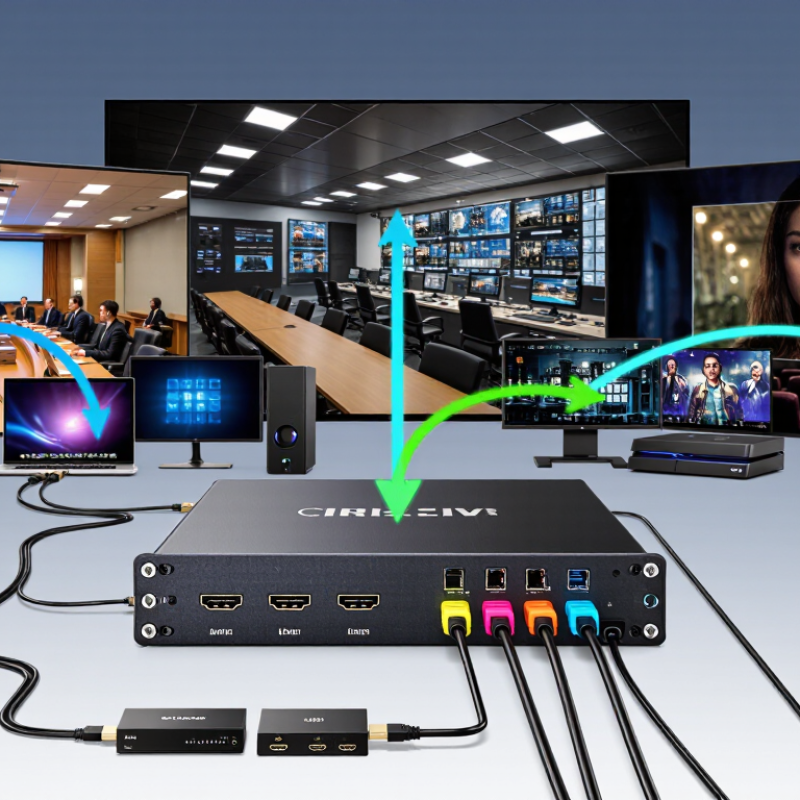
A 4x4 HDMI matrix switcher connects four HDMI source devices to four displays. It lets an operator route each source to a chosen screen, independently. For example, a laptop can feed a meeting-room display while a media player serves a nearby monitor. One source may also feed multiple outputs, if the unit supports that routing mode. It is more flexible than a basic splitter, which usually sends one source to several displays.
The switcher manages signal paths; it does not create extra video content. Its practical performance depends on supported resolution, refresh rate, cable length, and signal-protection compatibility.
HDMI Forum specifications describe bandwidth ceilings of 18 Gbps for HDMI 2.0 and up to 48 Gbps for HDMI 2.1. Those figures are not guarantees for every matrix: the device must support the relevant format across its inputs and outputs.
Check carefully.
Some systems also use EDID management to help a source select a format that connected displays can handle. That detail is easy to overlook. A mismatched setting can produce a blank screen, even when every cable appears firmly connected.